Some links on this page are affiliate links. If you sign up through one, we may earn a commission at no extra cost to you. It never changes our verdict. Details.
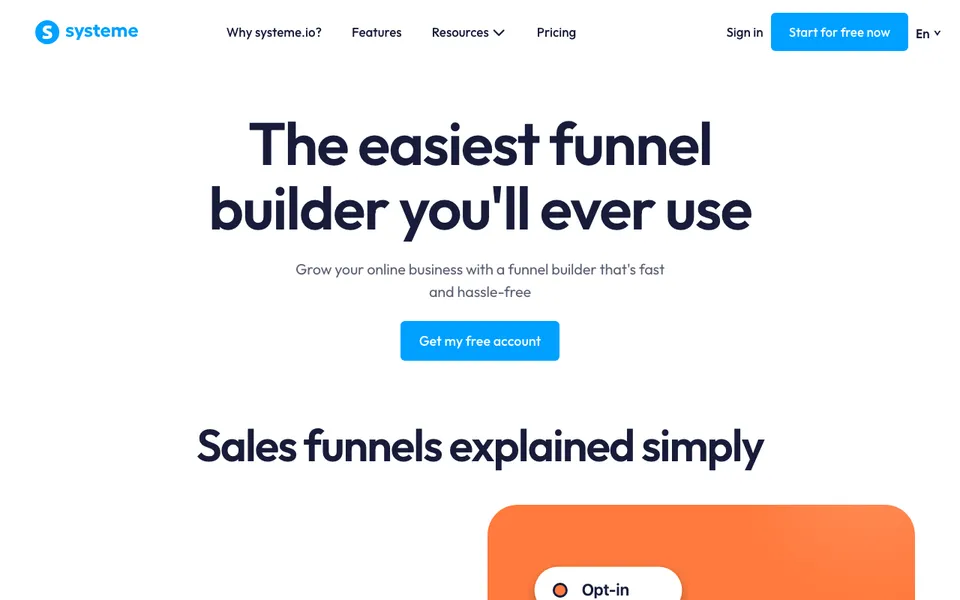
Building a sales funnel in systeme.io means creating one funnel with four steps and one automation rule behind it. The whole thing runs on the free plan, which allows three funnels and fifteen steps in total. This guide builds the standard shape: a free thing that collects an email, a sales page, a checkout with an order bump, and a thank-you page, with a sequence that follows.
Create the funnel
From the dashboard choose Funnels, then Create. Pick a goal, name the funnel after the offer, and select your currency. The goal changes which step templates systeme.io suggests and nothing else; “sell a product” is the right one here. You now have an empty funnel that you add steps to.
The opt-in page
Step one collects the email in exchange for something useful. Choose an opt-in template, strip it back to a headline, two lines, and the form, and set a tag on submission. The landing page guide covers this step in more detail.
If you are selling to cold traffic with no lead magnet, skip this step and make the sales page the first one.
The sales page and checkout
Step two is the sales page: what the product is, who it is for, what is inside, the price, and the button. Step three is the order form. In the order form settings, attach the product, set the price, and connect Stripe or PayPal. Then add an order bump: a second, cheaper product with a checkbox on the order form. Bumps are the highest-return ten minutes in this build, and the free plan includes one.
There is no platform fee on any plan, so what the buyer pays minus the processor’s rate is what you receive.
The thank-you page
Step four confirms the purchase and delivers the product, either as a download link or by granting course access. Say what happens next and when they will hear from you. This page is also where a one-click upsell goes if you add one later; the free plan includes one upsell.
The email sequence
Under Contacts, create a campaign with three or four emails, then create an automation rule: when the tag from the opt-in form is added, subscribe the contact to the campaign. A second rule can tag buyers and remove them from the sales sequence so they stop being sold something they own.
The free plan allows one rule and one campaign, so build the opt-in sequence first and upgrade when you need the buyer rule too.
Free plan limits to know
Three funnels, fifteen steps in total, one automation rule, one workflow, one email campaign, one order bump, one upsell, 2,000 contacts, and one custom domain. A complete funnel like this uses four of those fifteen steps.
Free plan, no card. Affiliate link; we earn a commission on paid plans.
Frequently asked questions
How do I create a sales funnel in systeme.io?
Create a funnel, add an opt-in page, a sales page, an order form with a bump, and a thank-you page, then link a tag to an email campaign with an automation rule.
Can I build a sales funnel on the free plan?
Yes. The free plan allows three funnels with fifteen steps in total, one order bump, one upsell, and one automation rule.
Does systeme.io charge fees on funnel sales?
No platform fee on any plan. You pay only Stripe or PayPal processing.
How many steps can a systeme.io funnel have?
Fifteen steps across all funnels on the free plan, fifty on the $17 Startup plan, and three hundred on the $47 plan.
Related: systeme.io landing page, systeme.io tutorial, funnel builder for beginners.